Lueira Launches Gift Vouchers: Sell Your Activities Without the Buyer Needing to Pick a Date
Until now, one type of sale was difficult to close through an online store: gift purchases. When someone wants to gift a surf lesson, a diving taster session, or a kayak tour, the problem is always the same: they have to pick a date right then and there, and they almost never know when the recipient will be available.
With Gift Vouchers, Lueira solves this. The buyer pays upfront and chooses how many spots they want to gift. Then, at their convenience, the recipient accesses a link, enters their code, and selects the day and time directly from the calendar of available sessions.
What exactly is a Lueira Gift Voucher?
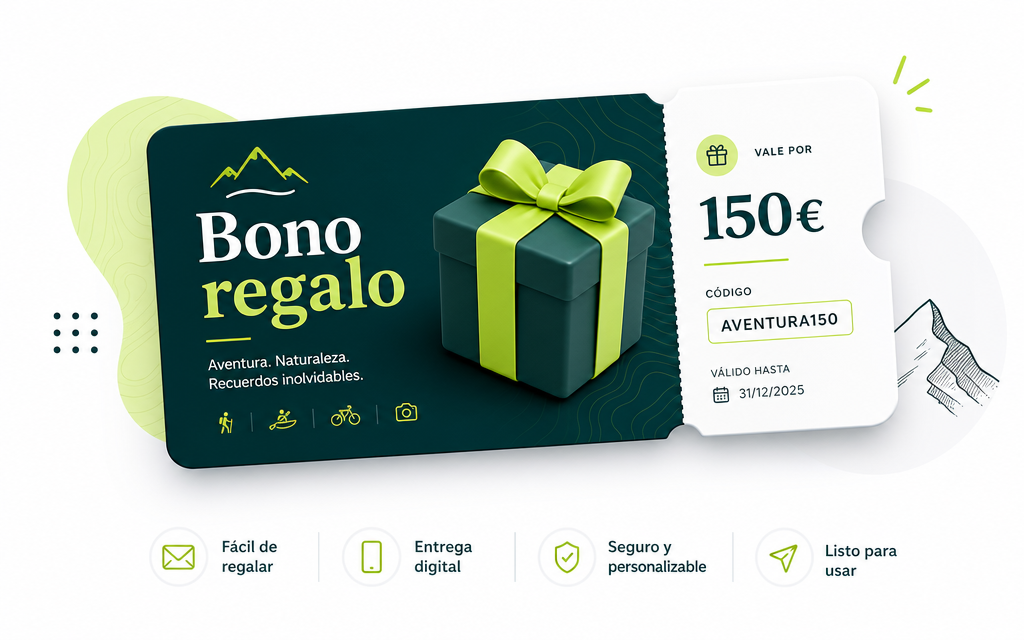
A Gift Voucher separates the payment moment from the booking moment. The buyer pays online as usual, but instead of selecting a date right away, they purchase the right to attend the activity at any available session within the voucher's validity period. The recipient receives the voucher (in PDF format, with your business logo, a personalized message, and a unique redemption code) and manages their own booking when they decide they want to go.
For your business, the result is the same as a normal booking. The voucher is already paid for, the recipient chooses a session, and as soon as they confirm, a booking appears in your panel exactly like any other, with no additional steps required from your end.
How it works, step by step
Activating the voucher for each product
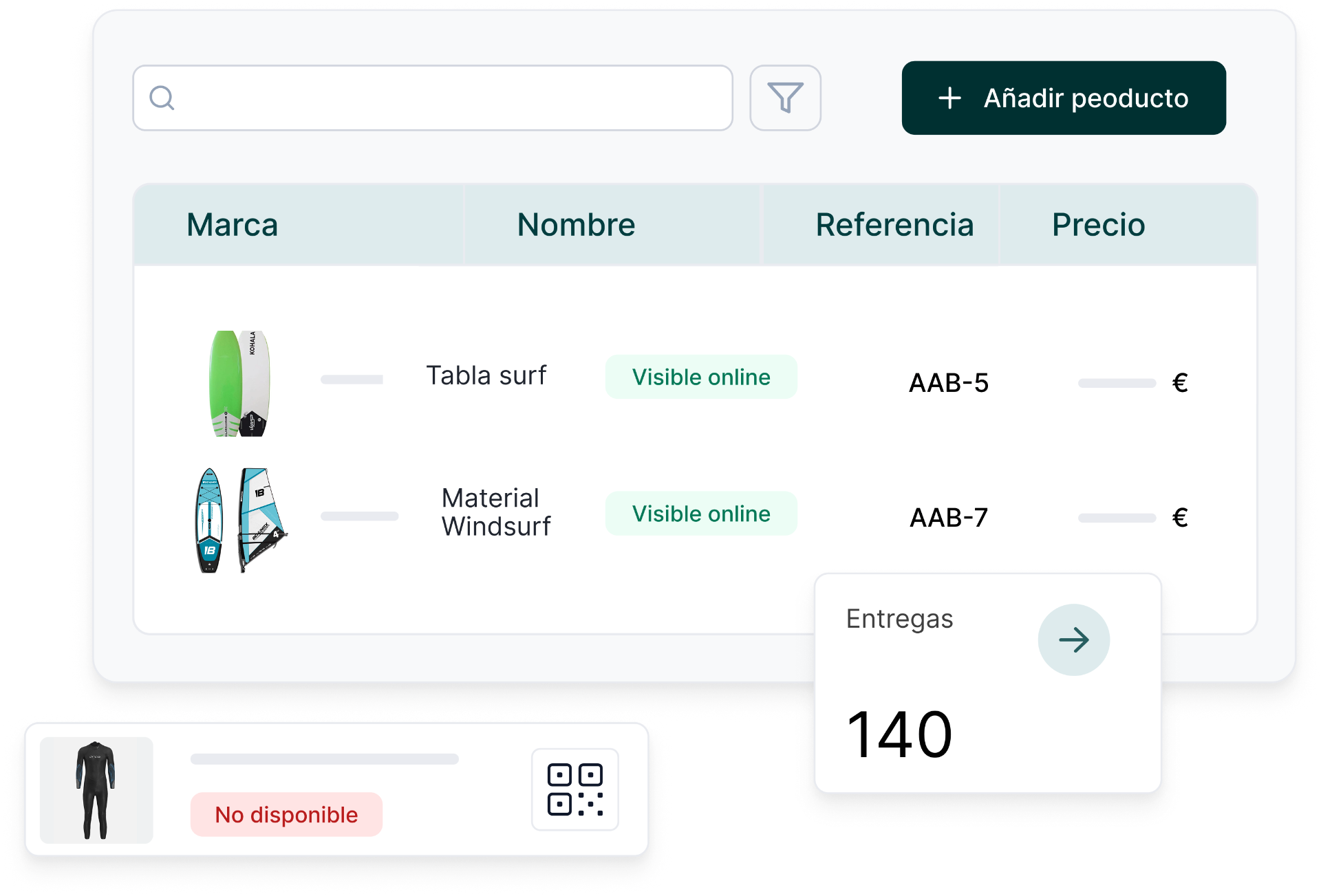
The feature is configured product by product. From School > Products, on the publication card for any group product (the same place where you activate its visibility in the online store), there's a toggle to allow that product to be sold as a gift voucher. When activated, the product page in the online store automatically displays the "Gift this activity" option, alongside the usual purchase flow.
For now, Gift Vouchers are available for group products: classes and activities with scheduled sessions.
What the buyer sees in the store
From the product page, a buyer wanting to give a gift indicates how many spots they want to give, the recipient's name, and a personalized message. They pay online and immediately receive a purchase confirmation email with the voucher PDF attached, ready to forward or print.
The PDF includes your business logo, the recipient's name, the message written by the buyer, the activity and number of spots, the voucher's expiry date, the redemption code, and a direct link for the recipient to make their reservation.
How the recipient redeems it
The recipient accesses the redemption link (which is specific to your business), enters their code and contact details, and chooses the date and time that suits them best from a calendar showing only days with available sessions. Upon confirmation, they receive an email with their booking details: date, time, and location, without the price mentioned, as the voucher is already paid for.
If the code is invalid, expired, or already used, the page itself indicates this with a clear message, so there's no need to contact the business to find out.
The voucher in the admin panel
All issued vouchers appear in the Gift Vouchers section, within the Orders module. For each voucher, you can see the activity, the number of spots, buyer and recipient details, purchase date, expiry date, and status (active, consumed, or expired). When the voucher is redeemed, it links to the generated booking, with a direct link to the corresponding order.
From the details of each voucher, you can edit it, mark it as expired, or cancel it if necessary.
Two important conditions to know
- Configurable expiry: You decide how long each voucher is valid from the moment of purchase. If the recipient doesn't redeem the voucher before that date, the code will no longer work.
- Price frozen: The price paid by the buyer is the price of the activity at that moment. If the price later increases, the recipient can redeem the voucher at no additional cost; what was purchased is what is delivered.
Designed for sales in any language
The voucher PDF, confirmation emails, and redemption page are available in all languages supported by Lueira. If the buyer makes the purchase in English, the voucher they receive is in English, and the redemption process is also in English. No additional configuration required from your side.
A new way to capture sales
Gift Vouchers don't replace direct sales; they complement them. They cover that moment when someone wants to gift an experience but can't commit to a date right away, which until now could only be resolved with a phone call or a paper voucher. With this feature, this type of purchase is handled automatically within your online store, with no extra work for your business or friction for the buyer or recipient.
Start selling Gift Vouchers with Lueira
Activate Gift Vouchers for your products and turn every special occasion into a sales opportunity.